.png?width=200&height=160&name=Jefferson%20(1).png "Jefferson (1)")
Stay Connected with Your Community Through TextMyGov
TextMyGov makes it easier than ever to connect with Jefferson's local government right from your phone with two new options. With a simple text message, residents can quickly access information, find answers, report concerns, and stay informed — no app download or complicated website navigation required.
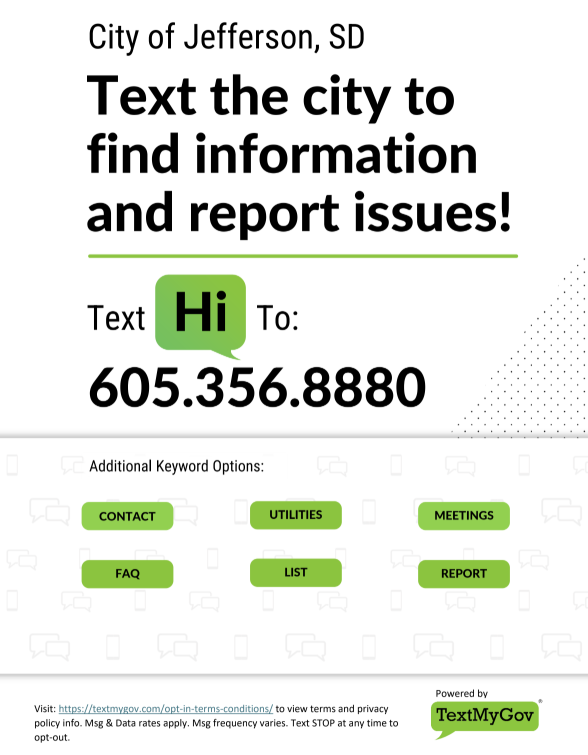
Text Us to find Information & Report Issues
Simply text a keyword to your Jefferson's TextMyGov phone number to get helpful information anytime.
Residents can also use TextMyGov to report non-emergency issues. By texting a reporting keyword and answering a few questions, you can submit details about a concern, including location information or photos when available. Reports are reviewed by local staff during regular business hours.
To get started:
1. Text "Hi" to 605-356-8880
2. Follow on screen prompts
3. Use the keyword options for information.
TextMyGov helps make communication between residents and local Jefferson government faster, simpler, and more convenient.
For questions about available features or how Jefferson is using TextMyGov, contact City Hall.
Receive City Texts
You can also choose to receive text alerts from the City of Jefferson with important community updates, such as:
- Weather and emergency notifications
- Road closures or service interruptions
- Community events and reminders
- Meetings, elections, and civic updates
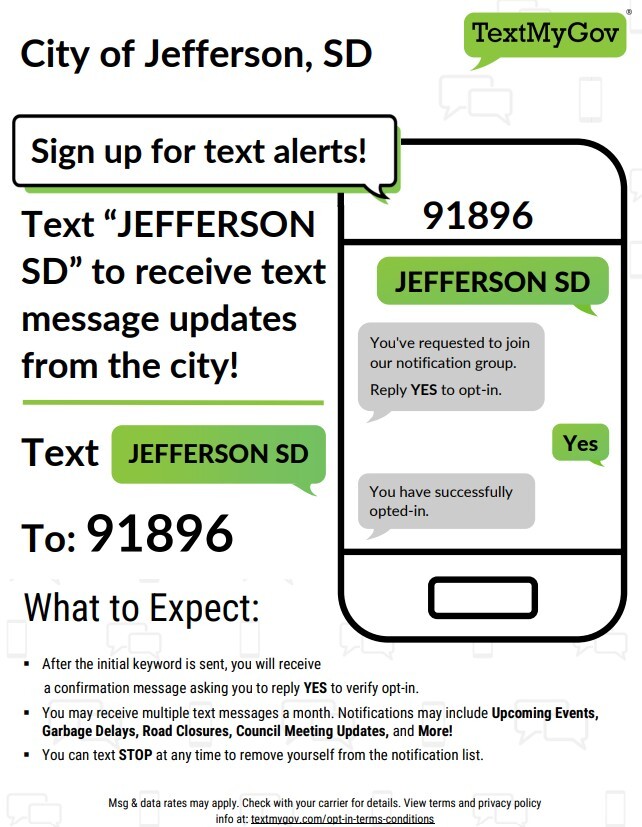
Sign up to receive City alerts via text message. Opt-in to get the latest updates.
To Get Started Receiving Texts:
1. Text "Jefferson SD" to 97896
2. Follow the on screen prompts
TextMyGov helps make communication between residents and local Jefferson government faster, simpler, and more convenient.
For questions about available features or how Jefferson is using TextMyGov, contact City Hall.